Before you pay
The IMEI is checked against our stolen-device records at the counter. A match stops the deal right there. No match is not a clearance — match the box IMEI with *#06# too.
Match found → the deal stopsNo match found → not a clearance
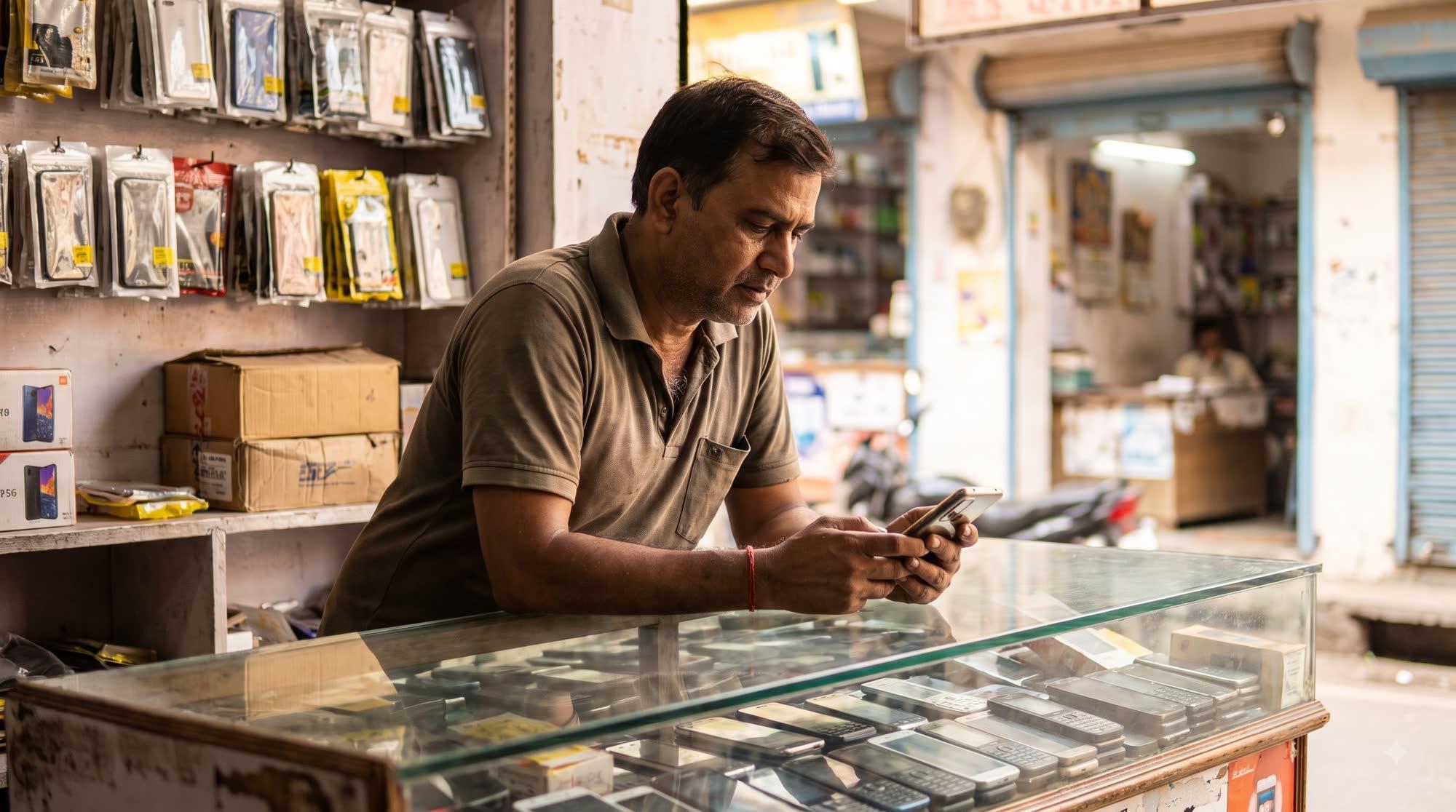
For second-hand mobile shops
Check every second-hand phone against our stolen-device records at the counter — then grade it, bill it and keep the record.
Four steps, every phone, the same way.
Buy
Take the phone in and note who sold it.
Check
The IMEI against our stolen-device records.
Bill
A GST bill from the same record.
Sell
Stock that knows every IMEI.
Sample screens
Six places a stolen phone can slip into a shop — each one checked or on record.
The IMEI is checked against our stolen-device records at the counter. A match stops the deal right there. No match is not a clearance — match the box IMEI with *#06# too.
Who sold it, and when: a seller declaration signed with Aadhaar e-Sign.
Every phone listed by its IMEI, with its grade and its history in your shop.
The purchase record carries a QR. Your customer scans it to see which checks were run on that phone.
A Section 63 certificate (PDF) from the purchase record.
Four roles. Each person sees and does only their part.
The check, the stock, the bill and the books — on the phone in your pocket and the shop computer.
Everything a mobile shop runs on — in one app.
A 20-second sample: a phone bought, its IMEI checked, a bill made, the phone in stock.
Sample video — illustrative screens, no real customer.
Built for the shop where the phone changes hands.
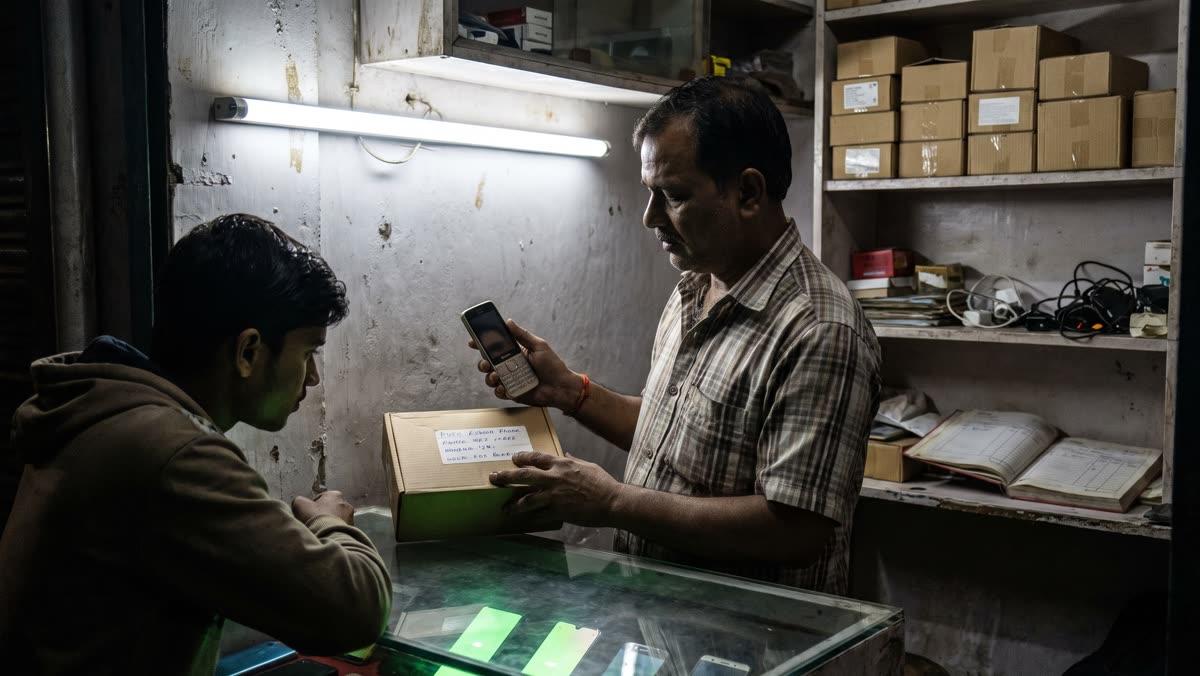
After dark
Under the tube-light — does the phone match its box?
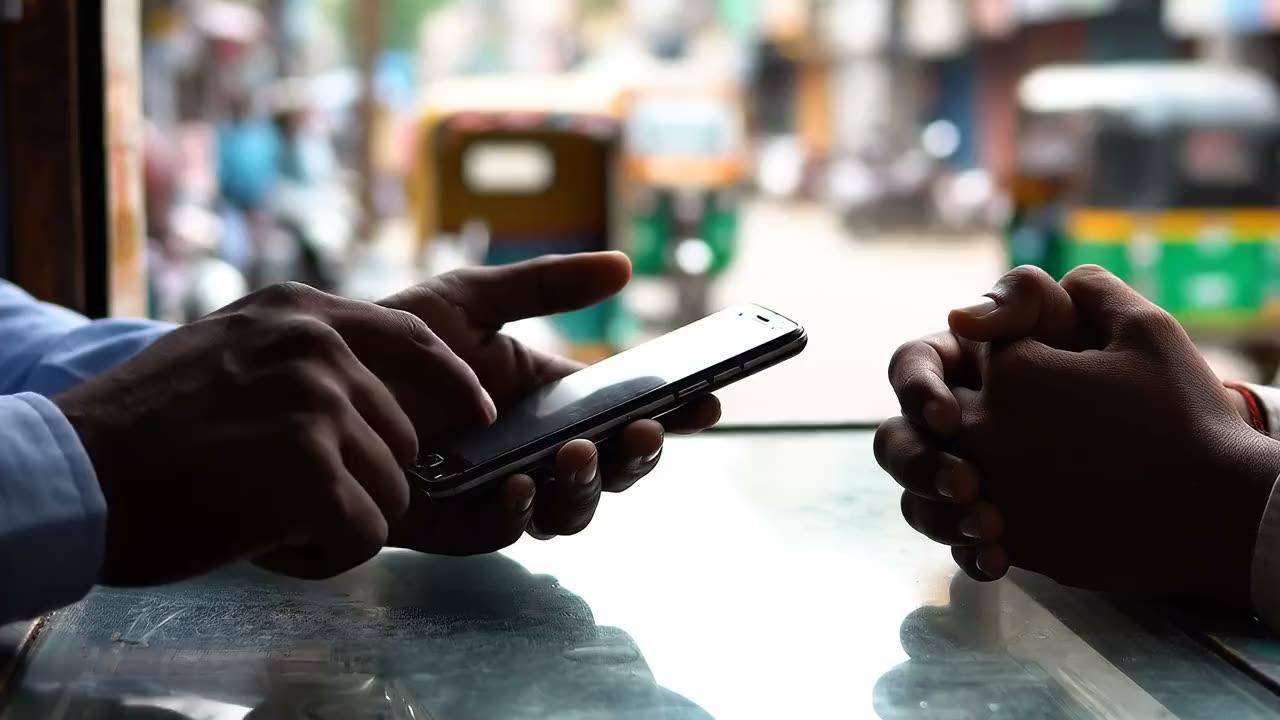
Ten seconds
The seller scrolls. The buyer waits.
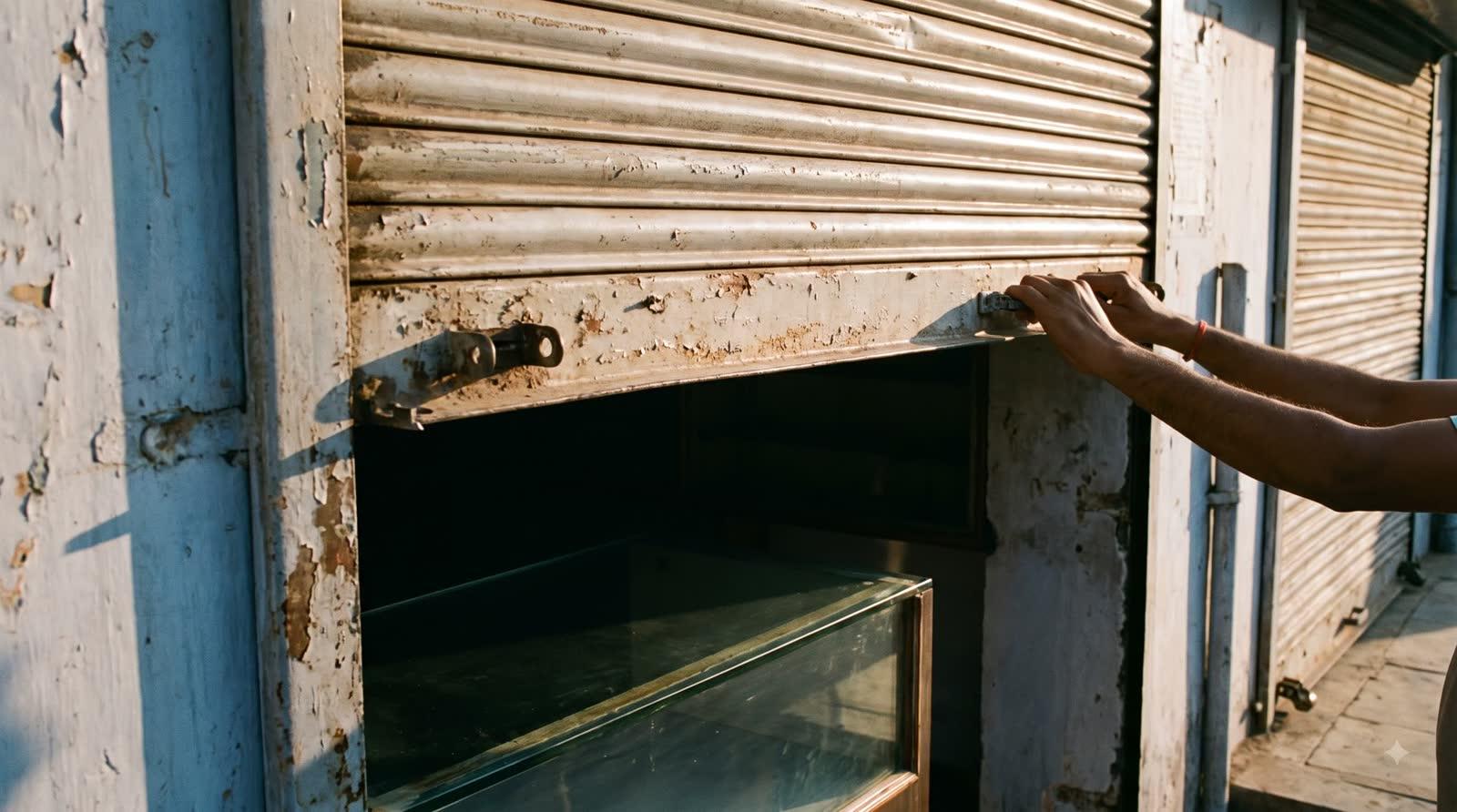
Every morning
Open the shutter with the record behind you.
Plans for one shop or many. Start with a free trial — no card needed.
See the free trial →Book a free demo →It checks a device's 15-digit IMEI against our stolen-device records and tells you whether there is a match. Nothing found is not a clearance.
The deal stops at the counter, and the check is saved with the date and time. Hand the phone back before any money moves.
No. It means only that our records have nothing on it today. Match the box IMEI with *#06# and keep the seller declaration.
No. It runs the whole shop: buying, selling, stock by IMEI, repairs, GST bills, accounts, reports, staff and payroll.
Yes — including margin-scheme bills for second-hand phones, made from the same record as the purchase.
Yes. It runs in the browser on a phone or a computer, and you can install it like an app.
Yes. Hindi and 12 more languages, on mobile and desktop.
Yes. Give each person one of four roles; they see and do only their part.
Plans and prices are shown inside the app before you pay. Start with a 90-day free trial — no card needed.
Yes. Book a free demo, or call or WhatsApp us, Mon–Sat, 10am–7pm IST.
Start your free trial with the IMEI in your hand.
Mon–Sat, 10am–7pm IST.